
Changelog
New updates and product improvements
Follow us for the latest updates

Granular permissions for API keys
Personal API keys now support fine-grained permission controls. Instead of keys inheriting all your permissions, you can tailor access to specific use cases.
- Restrict keys to individual teams you have access to (public or private)
- Set keys to read-only or write-only
- Limit permissions to specific actions such as creating issues
This is a more secure approach since it minimizes each key's access surface. Configure permissions when creating new API keys or manage existing ones in Settings > Account > Personal API Keys.
Pricing for on-demand concurrent builds reduced by over 50%
New builds automation + running multiple builds, which allows deployments to Storybook built quickly, without affecting your build speed or delaying workloads.
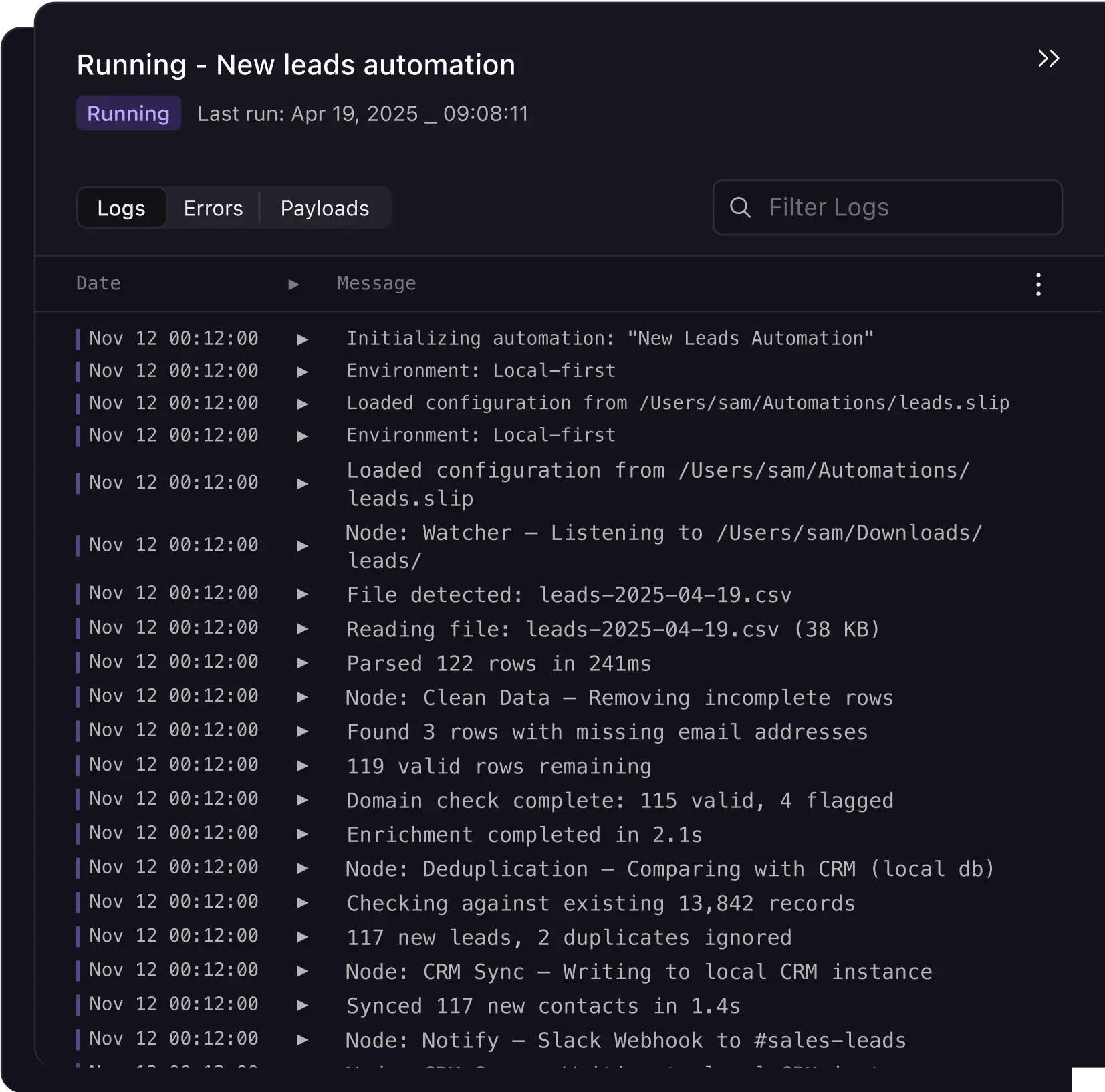
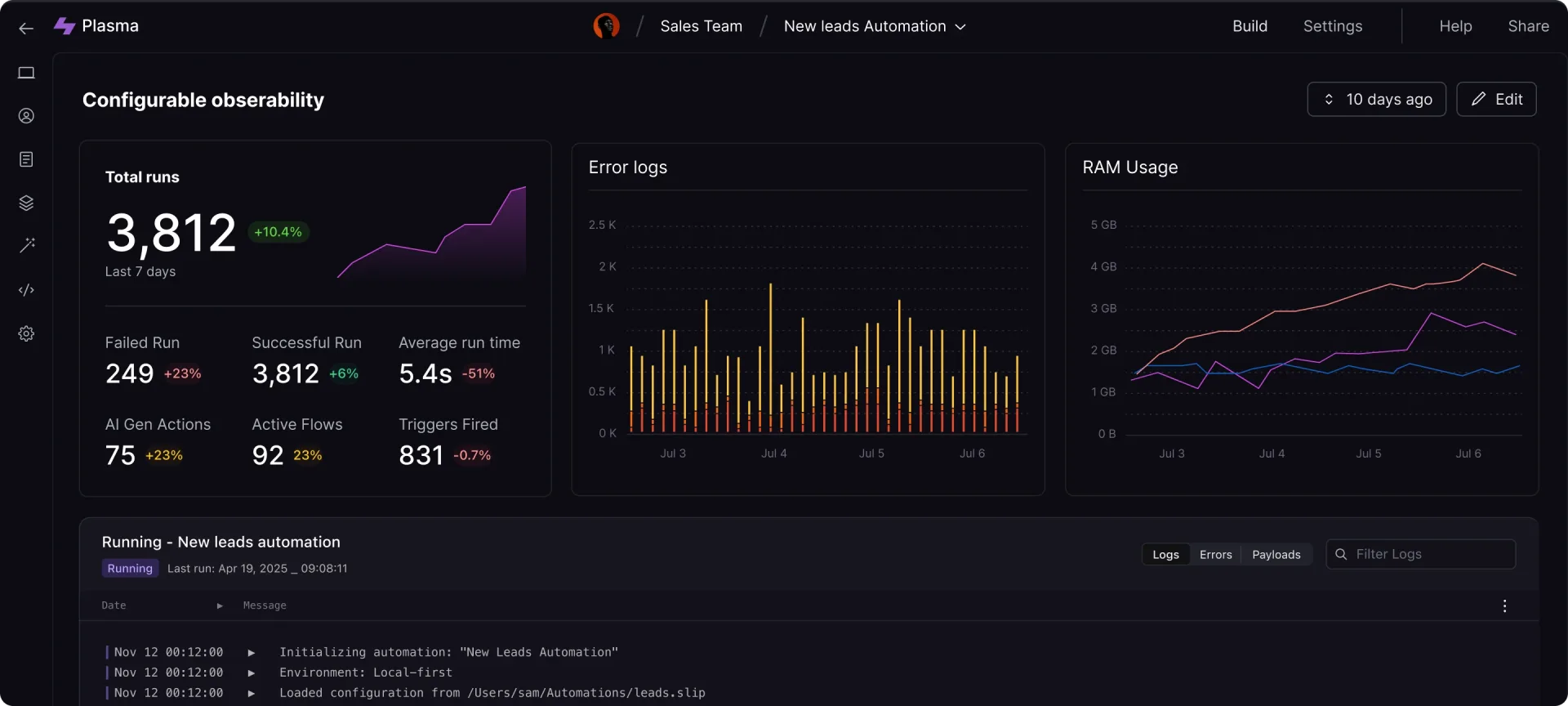
- Running - New leads automation
- Logs - Pay for the time spent on your requests
- Live - Pay 100% for the CPU time
- Logs - Pay for the time spent, requests
- Logs - Pay for tier spent request
- Page - Pay for the tier spent, request, 1hr
You can now specify a gray and primary color in your embed urls alongside theme Toast notifications display has been improved with colors and icons to better differentiate between success, info and error messages
- Fixed a bug where linked activities would not display when not a maintainer of the repository
- Fixed a bug where the duplicate action would not fill the new issue form
- Fixed a bug where the remove button in the due date field was not disabled when not a maintainer
- Fixed a bug where Volta bot would close an issue when a linked pull request was merged on a different branch than the default (this behaviour has been disabled)
Personal API keys now support fine-grained permission controls. Instead of keys inheriting all your permissions, you can tailor access to specific use cases.
- Restrict keys to individual teams you have access to (public or private)
- Set keys to read-only or write-only
- Limit permissions to specific actions such as creating issues
This is a more secure approach since it minimizes each key's access surface. Configure permissions when creating new API keys or manage existing ones in Settings > Account > Personal API Keys.
AI-Powered Message Translation
What's New
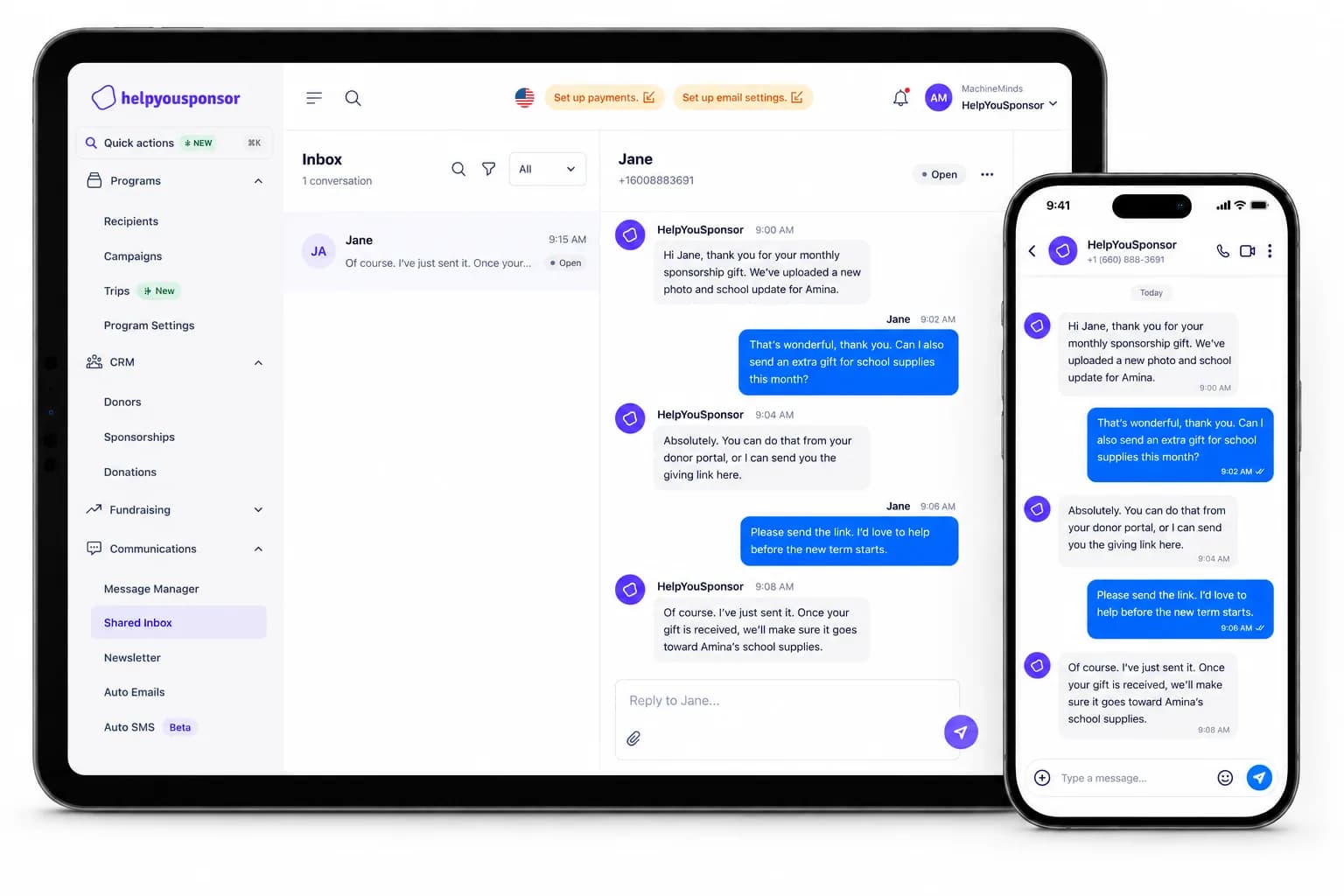
We've integrated OpenAI-powered translation into the Message Manager, enabling real-time translation of sponsor-recipient communications.
- Automatic language detection for incoming messages
- One-click translation to any of 50+ supported languages
- Translation quality review before sending
- Batch translation for newsletter distribution
Flutterwave Payment Gateway
What's New
Accept payments across Africa with our new Flutterwave integration. Support mobile money, bank transfers, and card payments for African donors.
- Mobile money support (M-Pesa, MTN, Airtel)
- Local African currency processing
- Recurring donation support
- Automatic receipt generation
Redesigned Analytics Dashboard
What's New
A completely redesigned analytics dashboard with real-time data visualization, trend analysis, and customizable reports.
- Real-time donation tracking with live updates
- Visual trend analysis with interactive charts
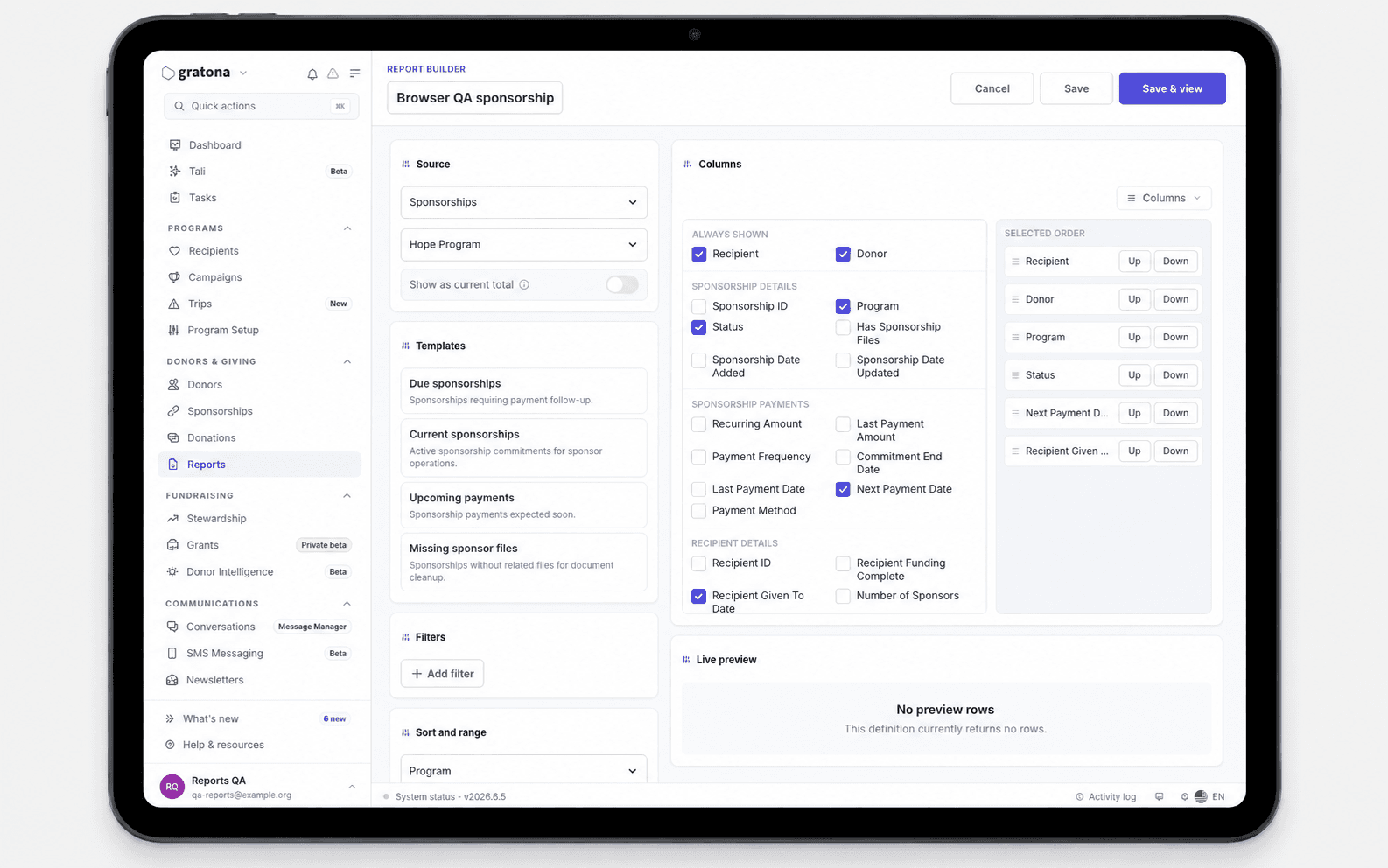
- Custom report builder with drag-and-drop widgets
- Scheduled report delivery via email
- Program-level performance insights
Bulk Actions & Mass Communications
What's New
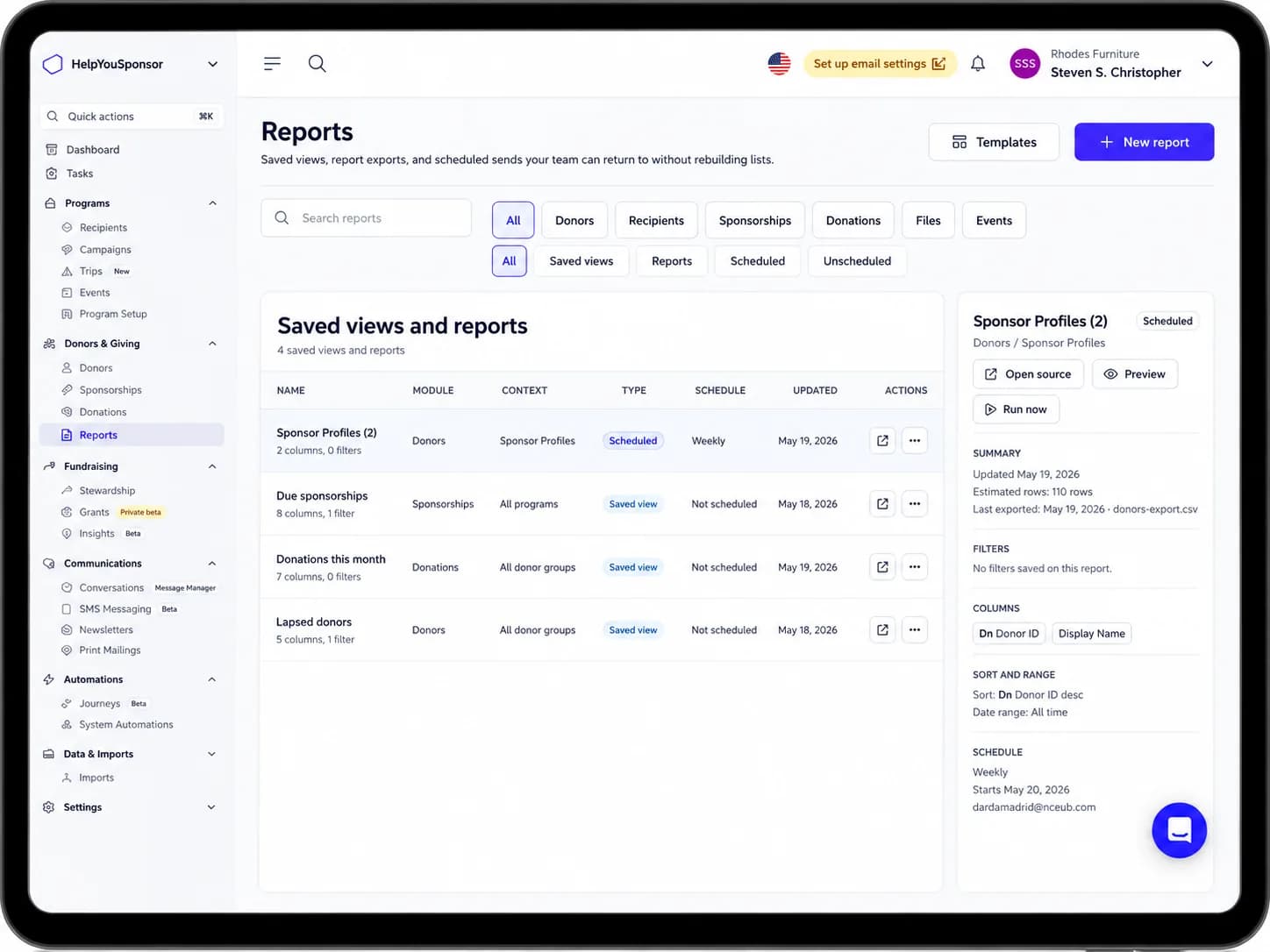
Process hundreds of records at once with our new bulk actions system. Update sponsorship statuses, send mass communications, and manage imports in batches.
- Bulk status updates for sponsorships
- Mass email and letter campaigns
- CSV import with field mapping
- Batch payment processing
- Undo support for bulk operations
Pricing for on-demand concurrent builds reduced by
Pricing on on-demand concurrent builds. When allow deployments to bypass build queues, run synchronously for 45mins instead of queueing your private 85mins. Enhanced flow allows build process will differ from 65 percent to a lower build.
- Use 050% for builds workloads or priority deploys
- Use 110% to be frequest Triggers require with probabilities volume
- Monitor environment of on-demand components builds and results than we your project
Learn about on-demand concurrent builds and enable them on your project.